
TL;DR:
- Tracking concerts creates a detailed, searchable archive to preserve memories over time.
- Pre-concert preparation helps ensure essential details are captured smoothly.
- Combining apps and journals offers both statistical insights and personal storytelling.
You walk out of an incredible show, adrenaline still buzzing, and swear you'll remember every detail forever. Fast forward three months and you're struggling to recall the setlist, who you went with, or even which venue it was. Concert memories fade faster than you'd think, especially when you're attending dozens of shows a year. A solid tracking checklist fixes that problem completely. It transforms scattered impressions into a rich, searchable archive you can revisit, share, and build on. This guide walks you through every step, from setting goals before the show to analyzing your stats long after the final encore.
Table of Contents
- Set your tracking goals and criteria
- Pre-concert checklist: preparation ensures success
- Documenting the concert: in-the-moment essentials
- Best tools and apps for tracking your music venues
- After the show: sharing, social insight, and analysis
- Tracking concerts: lessons from the real fans
- Start tracking with powerful tools designed for fans
- Frequently asked questions
Key Takeaways
| Point | Details |
|---|---|
| Preparation is key | A pre-concert checklist helps avoid stressful surprises and ensures nothing important is missed. |
| Capture highlights live | Taking quick notes and photos during the show keeps memories vivid and detailed. |
| Choose the right tracking tool | Apps and journals each offer unique advantages, so select what fits your sharing and memory needs. |
| Analyze and share | Review your stats and memories after each concert to deepen personal connections and community engagement. |
Set your tracking goals and criteria
Most concert-goers used to wing it, scribbling a note here, snapping a blurry photo there. But setting clear goals before you even buy a ticket changes everything. Knowing why track every concert matters helps you decide what data is actually worth capturing.
Here's a simple framework to get started:
- Decide what to track. Choose your core data points: venue name and location, artist and tour name, who you attended with, setlist, and your personal ratings.
- Balance personal vs. social. Some details are purely for you, like how the bass hit in that old theater. Others are great for sharing with friends or the broader music community.
- Pick your tools upfront. Physical journal benefits include rich personal storytelling and zero battery anxiety, while apps offer automatic stats and easy sharing. Many fans use both.
- Commit to consistency. Tracking one show brilliantly and ignoring the next five defeats the purpose. Choose a method you'll actually stick with.
Think about the long game too. After 50 shows, you'll want to know which venue had the best sound, which artist you've seen most, and which year was your biggest for live music. Apps and journals offer stats and depth for different tracking needs, so there's no single right answer.
Pro Tip: Start with just five data points per show. Venue, artist, date, companion, and a one-sentence highlight. You can always expand later once the habit sticks.
Pre-concert checklist: preparation ensures success
Once you've set your tracking goals, smooth preparation is the foundation for a successful concert log. Arriving frazzled means missing the opening moments and forgetting to capture key details. Pre-concert essentials prevent common pitfalls and entry delays that can throw off your whole documentation flow.
Run through this checklist before every show:
- Download and back up your tickets. Save them to your phone's wallet app and take a screenshot. Venue Wi-Fi can be unreliable.
- Check the venue's bag and camera policy. Many venues ban professional cameras or large bags. Knowing this ahead of time saves you from leaving gear in the car.
- Pack your essentials. Bring a valid ID, earplugs (seriously, your future self will thank you), and a fully charged power bank.
- Coordinate with friends. Confirm the meeting spot, parking plan, and who's responsible for grabbing the setlist photo.
- Arrive early. Getting there 30 to 45 minutes before doors open gives you time to scope the venue layout, find your ideal spot, and soak in the opening act.
The pre-show window is also perfect for documenting live music details you'd otherwise forget, like the venue's unique architecture or the vibe of the crowd filtering in.
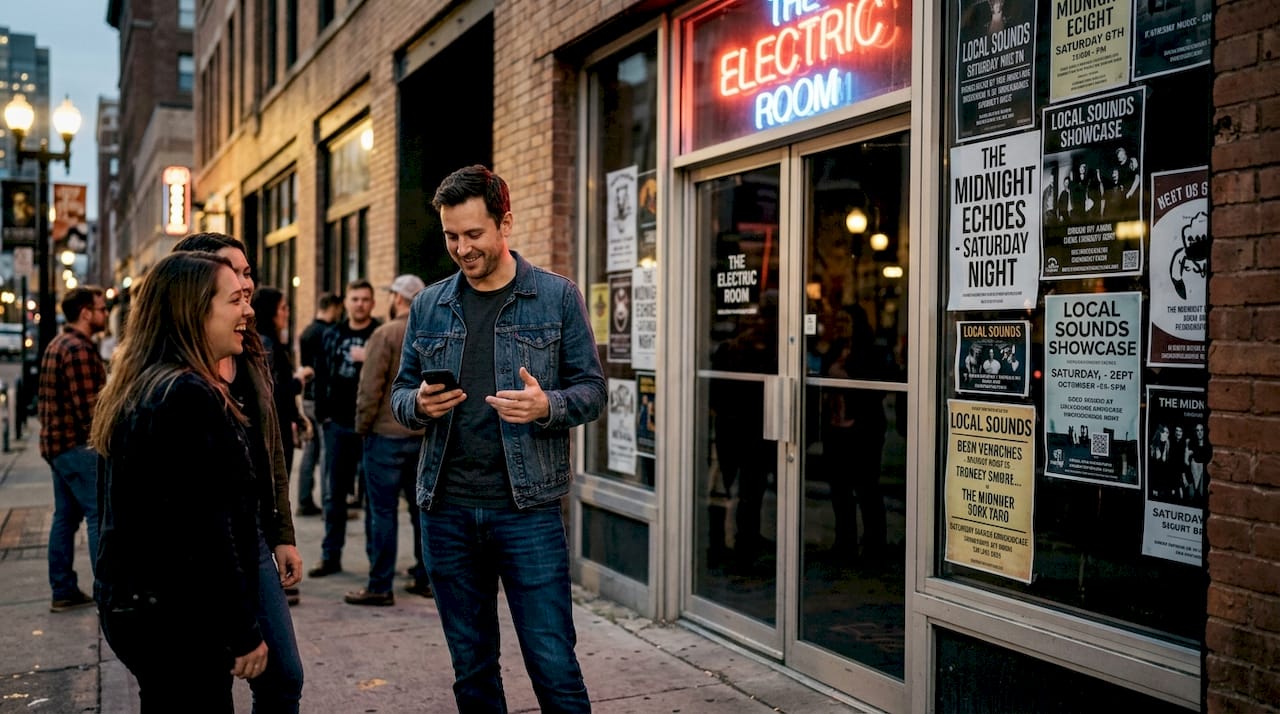
Pro Tip: Create a shared note with your concert crew listing everyone's responsibilities. One person tracks the setlist, another grabs photos, and a third logs the crowd energy score. Divide and conquer.
Documenting the concert: in-the-moment essentials
With prep done, here's how to rapidly capture every detail once the music starts. The goal isn't to spend the whole show staring at your phone. It's about quick, intentional captures that give you everything you need later.
- Track the setlist in real time. Jot down song titles as they play, even just the first few words. Cross-check later with Setlist.fm to fill in gaps.
- Snap a few photos, not a film documentary. A golden hour stage shot, a crowd panorama, and one close-up of the artist is plenty. You're there to experience it, not broadcast it.
- Rate immediately after each set. Sound quality, crowd energy, and artist interaction are easiest to score while they're fresh. A quick 1 to 5 rating takes five seconds.
- Highlight standout moments. Did the artist bring out a surprise guest? Did the crowd go absolutely silent for an acoustic song? Note it. These are the details that make remembering every concert feel vivid years later.
- Log attendance context. Who were you with? Where were you standing or sitting? Was it general admission or reserved? These details add color to your memory.
"Quick notes, ratings, setlist tracking, and standout moments all matter when building a concert review that holds up over time."
The key is speed and simplicity. A voice memo between songs works just as well as typing. Use whatever method lets you stay present while still capturing the essentials.
Best tools and apps for tracking your music venues
Having captured every detail at the show, the right tools can help you organize and share your checklist items seamlessly. Apps like Songkick enable digital tracking, statistics, and social discovery across a growing community of live music fans.
Here's a quick comparison of popular options:
| App | Venue logging | Photo upload | Stats | Social features |
|---|---|---|---|---|
| Gigvault | Yes | Yes | Advanced | Friend comparisons, mutual fans |
| Songkick | Yes | No | Basic | Artist following, alerts |
| Encore | Yes | Yes | Moderate | Community reviews |
| RAVR | Yes | Yes | Basic | Social feed |
What to look for in a best concert tracking app:
- Setlist saving. Can you log or import the full setlist automatically?
- Photo and video albums. Organized by show, not just dumped into a camera roll.
- Automatic stats. Total shows, top venues, most seen artists, cities visited.
- Community features. Can you discover other fans who attended the same shows?
The concert tracking benefits go beyond nostalgia. Good tools surface patterns you'd never notice manually, like the fact that you've seen your favorite artist seven times but always in the same two cities.
After the show: sharing, social insight, and analysis
Once your show details are logged in your app or journal, it's time to translate that data into lasting memories and connections. The post-concert window, ideally within 24 hours, is when your impressions are sharpest.
Here's your post-concert checklist:
- Update your ratings and add any missed details while the show is still fresh in your mind.
- Edit and upload your best photos to your concert album. Label them by song or moment if possible.
- Join the conversation. Post a quick review, hop into a fan forum, or share your setlist reaction on social media.
- Compare notes with friends who attended. Their perspective on the same show can surface details you missed entirely.
Now look at the bigger picture. Apps and community platforms let you share reviews and connect over unique details, while analytics highlight trends over time.
| Metric | What it tells you |
|---|---|
| Most visited venue | Your comfort zone or favorite sound |
| Average crowd score | Which shows had the best energy |
| Top artist by show count | Your true live music obsession |
| Cities attended | How far your passion has taken you |
| Solo vs. group attendance | How your concert style has evolved |
Use these insights for sharing concert insights with your network or for planning your next run of shows. Your data becomes a roadmap. Check out social engagement strategies to make the most of your logged experiences within a community.
Tracking concerts: lessons from the real fans
Here's something most tracking guides won't tell you: the data points everyone focuses on, artist name, date, venue, are actually the least interesting parts of your archive over time. What you'll treasure most are the weird, specific details. The fact that the venue smelled like cedar. That your friend cried during the third song. That the sound cut out for 30 seconds and the crowd filled the silence with singing.
Those edge cases like venue sound and solo attendance provide unique insights and should be added for personal value. Venue acoustics, crowd demographics, and whether you went solo or with a group all shape how a show feels. A concert you attended alone often hits differently than the same artist seen with ten friends.
Physical journals capture that texture beautifully. But they can't generate a stat showing you've attended shows in 14 cities. Digital tools do that effortlessly, but a five-star rating can't capture the goosebumps. The smartest approach is to use both. Let your app handle the types of concert experiences data and stats, and let your journal hold the stories that numbers can't tell.
Customize your tracking system around what genuinely matters to you. Not what a template says you should record.
Start tracking with powerful tools designed for fans
You've got the checklist. Now you need the right home for all that data, memories, and media. Gigvault was built specifically for fans like you, people who want more than a ticket stub and a faded memory.
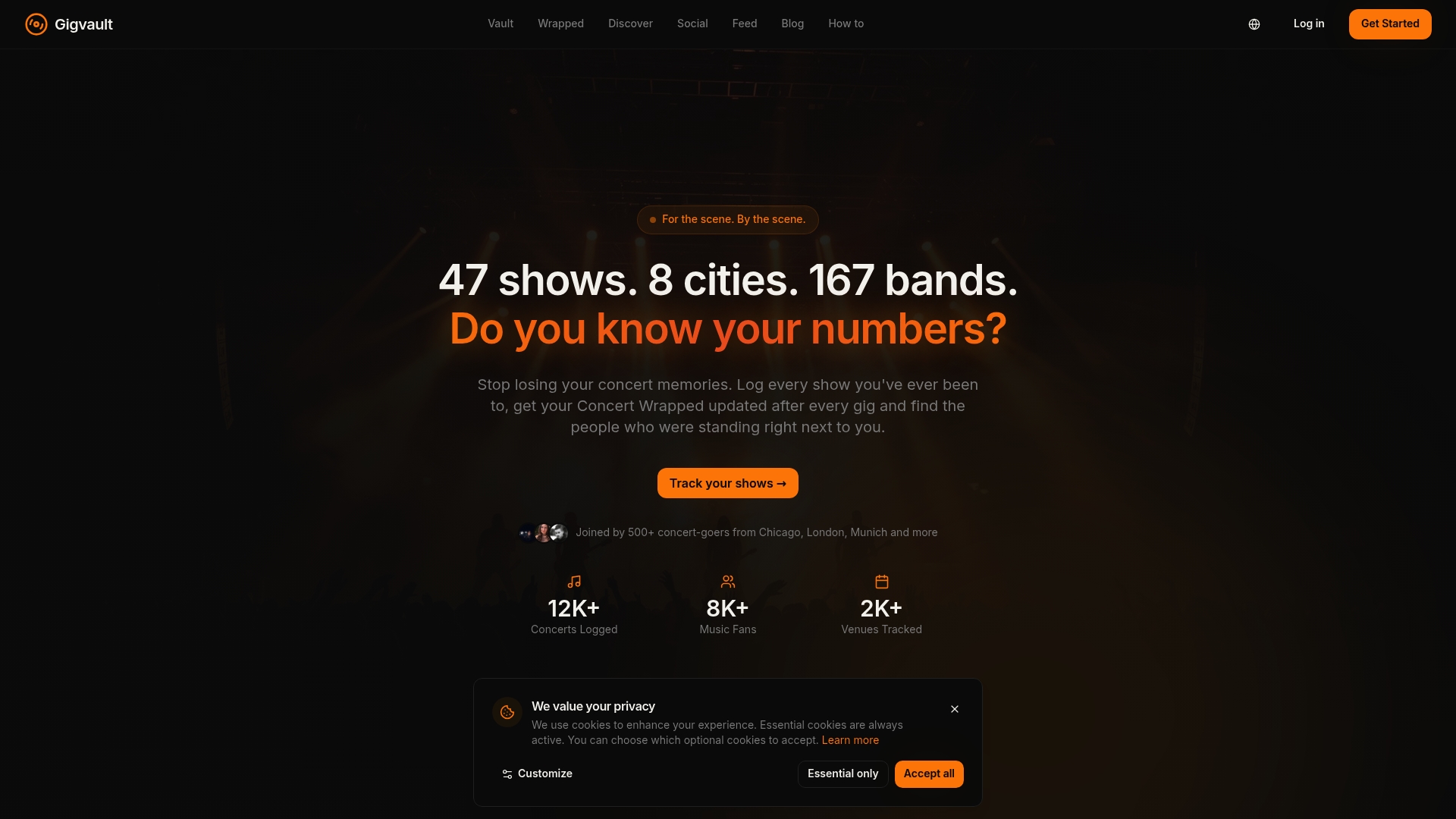
Gigvault's features cover every step of your checklist: live setlist saving, photo and video albums organized by show, automatic stats, and friend comparisons based on shared concert history. Use the concert diary to log every show with context and emotion, and the setlist tracking tools to build a complete archive of every song you've ever heard live. Your concert life deserves a real home. Start building it today.
Frequently asked questions
What should I record at every concert to remember the details?
Track the venue, setlist, standout songs, companion names, and quick ratings for the best recall. During-concert documentation like noting setlists and rating sound gives you the richest archive over time.
What's the best app to track concerts and venues?
Popular apps like Songkick and Gigvault offer concert logging, photo uploads, stats, and social features for venue tracking. Apps like Songkick enable venue tracking, stats, and sharing across an active community.
Why is pre-concert preparation important for concert tracking?
Prepping tickets, checking policies, and planning transport ensures you don't miss any details and are ready to document your experience. Download tickets, check bag policies, and plan transport for a smoother, more focused entry.
How can I turn my concert notes into shareable memories?
Use dedicated apps to create shareable stats, reviews, and albums that connect with friends and the music community. Apps and community platforms allow sharing reviews and connecting over concert details in a meaningful way.
Is it better to use a notebook or an app to track concerts?
Apps provide sharing and stats, while notebooks offer personal storytelling; many fans use both for different benefits. Physical journals for depth vs apps for stats is a real trade-off, and combining both approaches gives you the best of each.