
Most music fans have no idea how much their concert history reveals about them. The artists you keep going back to, the cities you've traveled to for a single show, the venues that feel like a second home — all of it tells a story. And yet, most people let those memories fade into a blur of ticket stubs and blurry stage photos. Personalized live music insights are changing that. Platforms built for concert-goers now turn your attendance history into rich analytics, helping you see patterns you never noticed and relive moments you almost forgot. Whether you've been to five shows or five hundred, your data has something to say.
Table of Contents
- Understanding live music insights: What are they?
- How concert tracking platforms work: Mechanics explained
- Visualizing your music journey: Charts, maps, and stats
- Edge cases and expert tips: When tracking gets tricky
- Live music insights and the democratization of fan analytics
- Discover powerful live music tracking tools
- Frequently asked questions
Key Takeaways
| Point | Details |
|---|---|
| Personalized concert stats | Tracking apps reveal your most-seen artists, venues, and concert years with easy-to-read charts. |
| Easy logging and sharing | Most platforms let you add concerts manually or via app check-in, and sharing your history fosters community. |
| Visual insights drive discovery | Maps, timelines, and stats help uncover new venues and artists based on your concert patterns. |
| Overcome platform limitations | For rare shows or incomplete data, supplement apps with manual notes or spreadsheets. |
| Fan analytics for everyone | Personal tracking apps put powerful music analytics in the hands of fans, not just professionals. |
Understanding live music insights: What are they?
Live music insights are personalized analytics generated from your concert history. Think of them as your own music report card, built from every show you've logged, every artist you've seen, and every venue you've visited. Concert-tracking platforms like Setlist.fm, Bandsintown, Songkick, and Concert Archives collect this data and turn it into something genuinely useful for fans.
The core value is simple. You get a quantifiable picture of your fandom, from your most-seen artist to the year you hit peak concert mode. These aren't just fun stats. They help you recognize patterns, like realizing you always gravitate toward the same type of venue or that you've seen a particular band seven times without ever planning to.
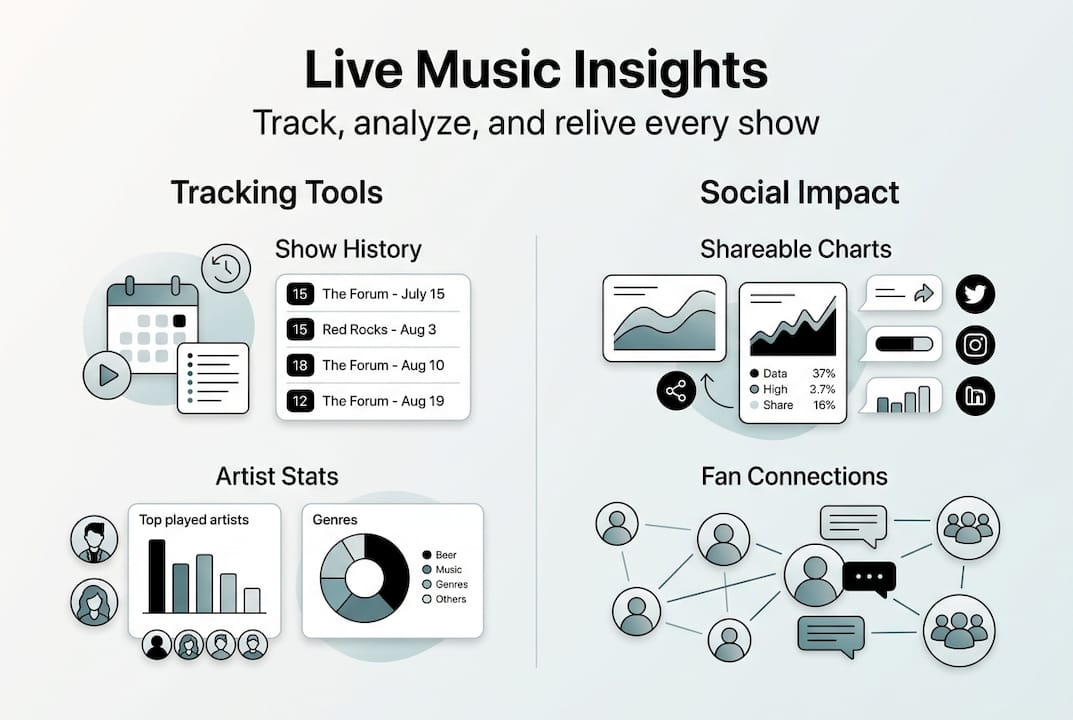
Here are the most common types of live music insights you'll find across platforms:
- Artist frequency: How many times you've seen each artist live
- Venue history: Every venue you've attended, ranked by visit count
- Concert timelines: A chronological view of your entire show history
- City diversity: How many cities and regions you've attended concerts in, which is great for tracking cities for concerts
- Peak years: The years when you attended the most shows
- Setlist archives: Songs performed at each show you attended
"Your concert history isn't just a list of nights out. It's a map of who you are as a music fan, and the patterns it reveals can surprise even the most self-aware listener."
These insights also make it easier to share concert insights with friends, sparking conversations about shared experiences and musical taste.
How concert tracking platforms work: Mechanics explained
Now that you know what insights are, let's look at how platforms actually collect and process your concert history. The process is straightforward once you understand the flow.
- Search the database: Most apps let you search for a specific show by artist, date, or venue.
- Mark as attended: You tap a button to log the concert to your profile, either right after the show or retroactively.
- Add details manually: For shows not in the database, you enter the details yourself, including setlists, photos, and notes.
- Platform aggregates your data: The app builds your personal profile with visualizations, stats, and timelines based on everything you've logged.
- Explore your history: You browse charts, maps, and recaps that reflect your unique concert journey.
Platforms aggregate concert data into personal profiles with visualizations, making it easy to see your history at a glance. Features vary by platform, but most offer countdowns to upcoming shows, friend sharing, flashback memories, and even Spotify setlist integration.
Here's a quick comparison of popular platforms:
| Platform | Manual entry | Setlist tracking | Social features | Visualizations |
|---|---|---|---|---|
| Setlist.fm | Yes | Yes | Yes | Basic |
| Bandsintown | Limited | No | Yes | Moderate |
| Songkick | Yes | No | Yes | Moderate |
| Concert Archives | Yes | Yes | Limited | Advanced |
For a deeper look at your options, check out the best concert tracking apps available right now, or explore tips on organizing concert archives to get the most from your history.
Pro Tip: Log your concerts immediately after the show ends. Memory fades fast, and details like the opening act or a surprise song get fuzzy within days. A quick two-minute log right after the encore saves you a lot of guesswork later.
Visualizing your music journey: Charts, maps, and stats
With the mechanics covered, let's talk about what your tracked data actually looks like once it's been processed. This is where things get genuinely exciting.

Here's an example of the kind of stats a dedicated concert-goer might see after a few years of tracking:
| Stat | Example value |
|---|---|
| Total shows attended | 87 |
| Most seen artist | Phish (14 times) |
| Top venue | Red Rocks Amphitheatre (9 visits) |
| Peak concert year | 2019 (22 shows) |
| Cities visited for concerts | 18 |
| Unique artists seen | 63 |
These numbers tell a story no playlist can. Platforms like Setlist.fm let you track personal song stats by artist and year, while Concert Archives graphs your peak concert years visually. And with Bandsintown's 100 million users, the platform generates personalized recommendations based on your attendance patterns.
The visualizations you'll typically find include:
- Interactive maps showing every city you've attended a concert in
- Bar charts breaking down shows by year or genre
- Artist clouds highlighting your most-seen acts
- Timeline views scrolling through your entire concert history chronologically
- Venue rankings showing your most-visited spots, useful for ranking concert venues
Beyond personal reflection, these visuals become social currency. Sharing your stats with other fans creates instant connection, especially when you discover shared concerts that create bonds between people who were at the same show without knowing it.
Edge cases and expert tips: When tracking gets tricky
Even the best tracking apps have limitations. Let's dig into what can go wrong and how to handle it.
The most common issue is incomplete databases. Obscure shows often require manual entry because smaller acts, local gigs, and older concerts from the 1980s and 1990s simply aren't in most platforms' records. App performance can also be a problem, with some tools freezing or crashing when you're searching through large datasets or trying to import years of history at once.
Here are the most common pitfalls and how to avoid them:
- Missing shows: Search multiple platforms before giving up. Concert Archives often has entries that Setlist.fm doesn't, and vice versa.
- Incomplete setlists: Crowdsourced setlists are only as good as the fans who submitted them. For rare shows, you may need to fill in gaps yourself.
- Data loss: Always back up your concert log. Some apps don't offer export features, so keeping a personal spreadsheet as a backup is smart.
- Privacy exposure: Sharing your full history publicly can reveal personal details like your location patterns. Check your app's privacy settings before going public.
Pro Tip: Keep a simple spreadsheet or notes app as a backup for rare or obscure shows. Log the date, artist, venue, and a few song titles right after the show. This gives you a reliable record even if the platform's database never catches up. For more ideas, check out these manual concert logging tips.
Combining apps with manual notes is the most reliable approach for serious fans. Social features are great for community, but be thoughtful about what you share publicly.
Live music insights and the democratization of fan analytics
Here's the bigger picture. Concert tracking tools are doing something genuinely significant: they're putting professional-grade analytics into the hands of everyday fans.
Not long ago, detailed music analytics were reserved for industry insiders. Labels, booking agents, and venues used platforms like Viberate and Soundcharts to track artist performance, audience demographics, and touring patterns. Now, individual fans have access to similar insights about their own listening and attendance behavior.
"Fan analytics tools are no longer just for the industry. Every concert-goer now has the ability to understand their own music identity with the same depth that professionals analyze touring data."
This shift matters for a few reasons:
- Community building: Shared stats create instant common ground between fans who might never have connected otherwise.
- Deeper engagement: When you can see your history laid out visually, you feel more invested in your fandom and more motivated to keep going to shows.
- Artist discovery: Patterns in your data often point toward artists you haven't seen yet but would love, based on who you keep returning to.
- Personal identity: Your concert history becomes a genuine expression of who you are, not just a list of events.
Explore more on this topic at the Gigvault live music blog, where we cover everything from tracking strategies to community features built for dedicated fans.
Discover powerful live music tracking tools
Everything you've read here points to one thing: your concert history deserves more than a shoebox of ticket stubs. Gigvault was built specifically for fans who want to do something meaningful with their live music memories.
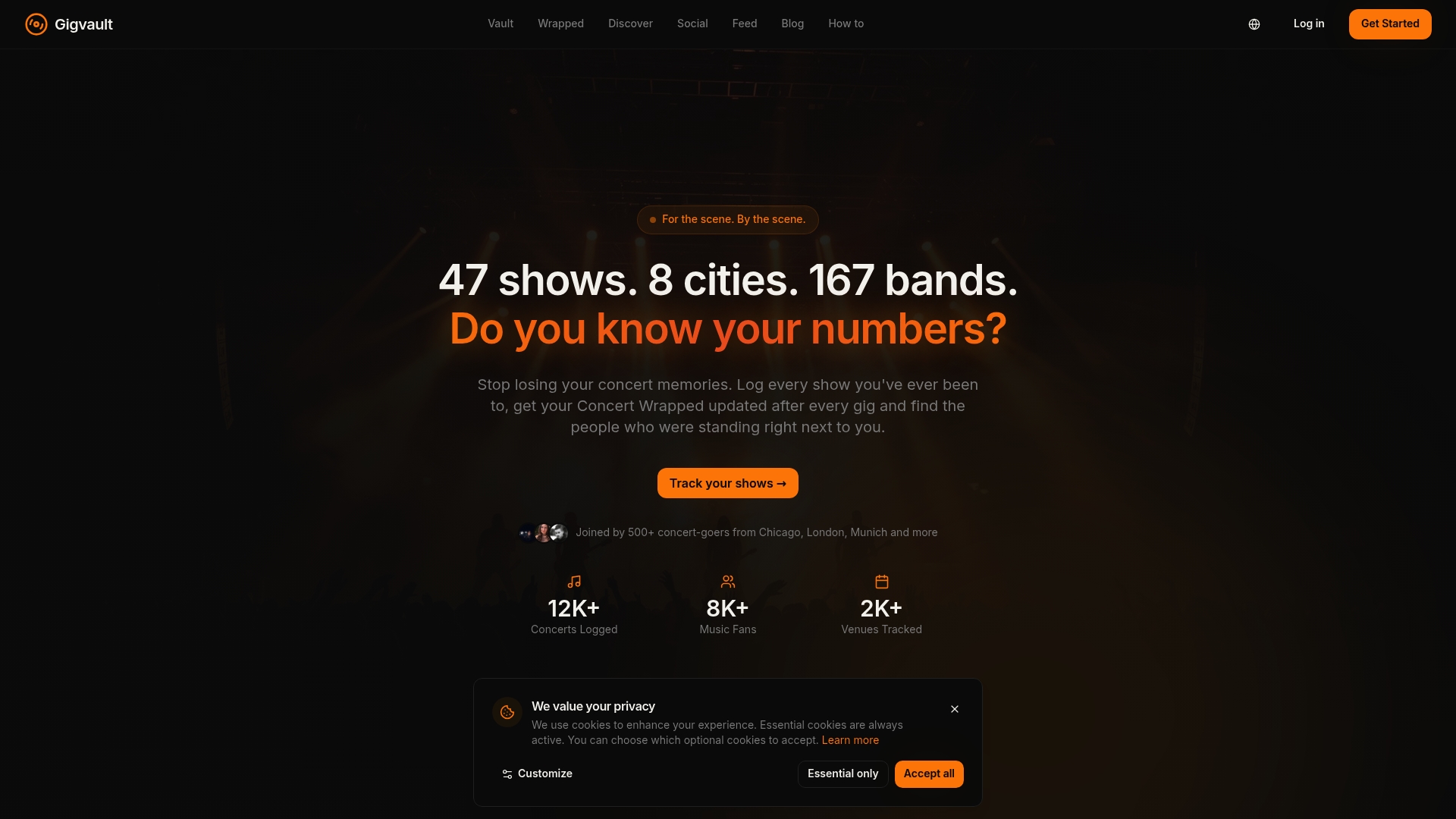
With Gigvault's features, you can log every show, upload photos and videos, track your favorite artists and venues, and generate your own personalized stats and recaps. The platform also helps you discover other fans who've been to the same shows, making it easy to connect over shared experiences without the noise of social media algorithms. Think of Gigvault as your private concert diary and analytics tool rolled into one. Start building your archive today and see what your concert history has been trying to tell you all along.
Frequently asked questions
What are live music insights and how are they generated?
Live music insights are personalized analytics from concert-tracking apps based on the shows, artists, and venues you've logged over time. The more you log, the richer and more accurate your insights become.
Can I track obscure or older concerts if they're not in the platform's database?
Yes. Most platforms allow manual entry, and obscure shows often require it since smaller or older gigs may not appear in any database. A personal spreadsheet works well as a backup.
Do live music insights help discover new artists or venues?
Absolutely. Platforms like Bandsintown use your attendance data to generate recommendations, and with 100 million registered users, the suggestion engine gets smarter the more you engage with it.
Are there privacy concerns when sharing my concert history online?
Social features enhance community but sharing your full history publicly can expose location patterns and personal habits. Always review your app's privacy settings before making your profile visible to others.
How do live music insights empower music fans?
They give fans a quantifiable view of their history, foster community through shared experiences, and help people relive and celebrate their unique concert journeys in a way that feels personal and meaningful.