
TL;DR:
- Concert memories fade quickly, so documenting shows helps preserve those moments.
- Fans can choose physical journals, digital apps, or a hybrid system based on preferences.
- Organized archives enable easy reliving, sharing, and discovering patterns in live music experiences.
You just got home from an incredible show. The crowd energy still hums in your chest, your ears are ringing, and you're buzzing with memories. But fast-forward three months, and you're struggling to remember which songs they played, who you went with, or even the venue name. Concert memories fade faster than you'd expect, especially when you're attending multiple shows a season. This guide walks you through exactly how to capture, organize, and relive every live music experience, from choosing the right tools to building a personal archive that grows richer with every show you attend.
Table of Contents
- Choose your concert documentation method
- Set up your concert tracking toolkit
- Capture each concert: Best practices and workflows
- Organize, relive, and share your musical memories
- Advanced strategies and troubleshooting common challenges
- What most concert journaling guides overlook
- Level up your concert archives with Gigvault
- Frequently asked questions
Key Takeaways
| Point | Details |
|---|---|
| Hybrid approach works best | Using both digital apps and physical journals lets you capture stats and preserve memorabilia for a rich concert archive. |
| Document details immediately | Logging concerts right after the show ensures vivid and accurate memories. |
| Share and connect | Sharing your archives and insights helps you bond with the music community and discover new perspectives. |
| Learn from community data | Contributing and referencing shared setlists and reviews improves your tracking accuracy and experience. |
Choose your concert documentation method
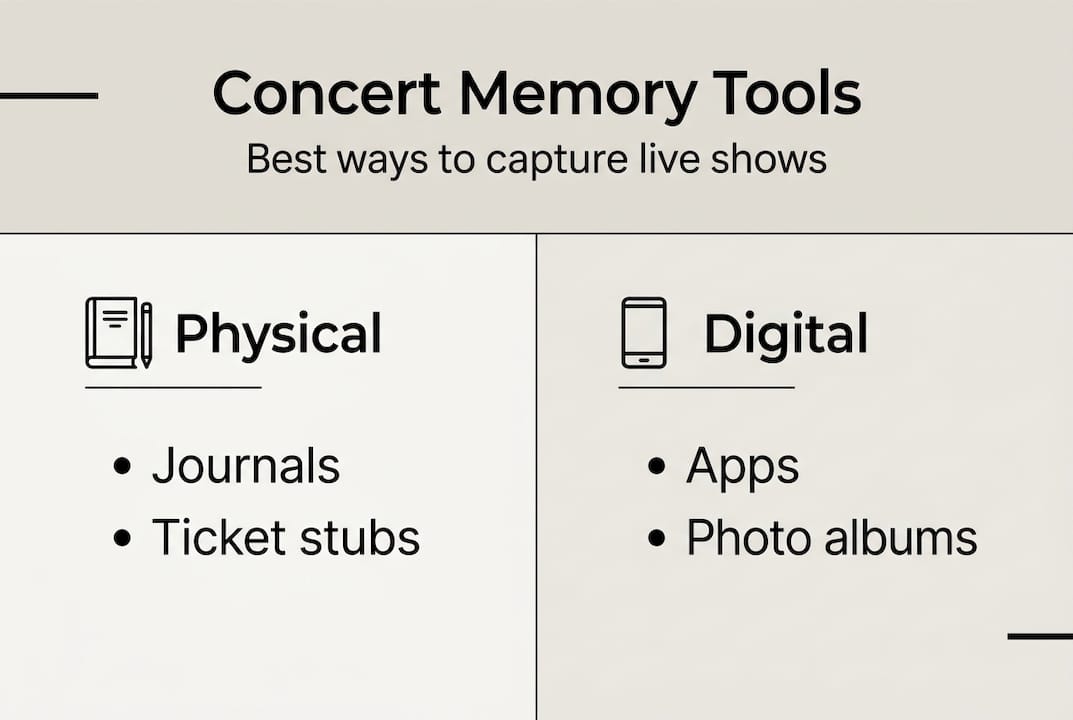
Not every fan documents shows the same way, and that's a good thing. Your personality, how many concerts you attend per year, and what you want to do with your memories all shape the best approach for you. The three main options are physical journals, digital apps, and a hybrid of both.
Physical journals give you something tactile and personal. Concerts Remembered is a structured journal with prompts for up to 30 concerts, covering artist, venue, date, companions, setlist, feelings, ratings, and even space for memorabilia. Writing by hand slows you down in a good way, encouraging deeper reflection on what made each show special. The downside is that physical journals don't scale well if you're a prolific concert-goer, and searching back through entries takes time.
Digital apps solve the scale problem instantly. Apps like Encore and Gigz let you quickly log concerts with photos, videos, notes, setlists, timelines, stats, and sharing features for social connection. You can search your entire history in seconds, generate stats, and connect with other fans. The tradeoff is that tapping through fields after a late-night show can feel like homework.
Here's a quick comparison to help you decide:
| Method | Best for | Scalability | Social features | Reflection depth |
|---|---|---|---|---|
| Physical journal | Memorabilia lovers | Low (30 shows) | None | High |
| Digital app | Stats and sharing | Unlimited | Strong | Medium |
| Hybrid | All-around fans | High | Strong | High |
When choosing, ask yourself a few questions:
- Do you attend more than 20 shows a year? Go digital or hybrid.
- Do you love keeping ticket stubs and wristbands? A physical journal or envelope system pairs perfectly.
- Do you want to share memories or find fans with similar histories? You need an app.
- Do you want both stats and deep personal notes? Hybrid wins every time.
Pro Tip: Use a digital app for fast entry and statistics right after the show, then write a longer reflection in a physical journal within a day or two. You get the best of both worlds without losing vivid details. You can explore top concert tracker apps to find the right fit, or read more about how to track and relive every show with personalized insights.
Set up your concert tracking toolkit
With your preferred method in mind, assembling the right toolkit ensures you're always ready to log each show in detail. A little preparation before a concert season saves a lot of frustration later.
Here's what your toolkit should include:
- A concert logging app (Gigvault, Encore, Gigz, or Concert Archives)
- A physical journal or notebook if you're going hybrid
- A memorabilia envelope or small folder for ticket stubs, wristbands, and flyers
- A portable phone charger so your battery never dies mid-show
- A cloud backup system (Google Photos, iCloud) for your concert photos and videos
- A notes app on your phone for quick jotting during the show
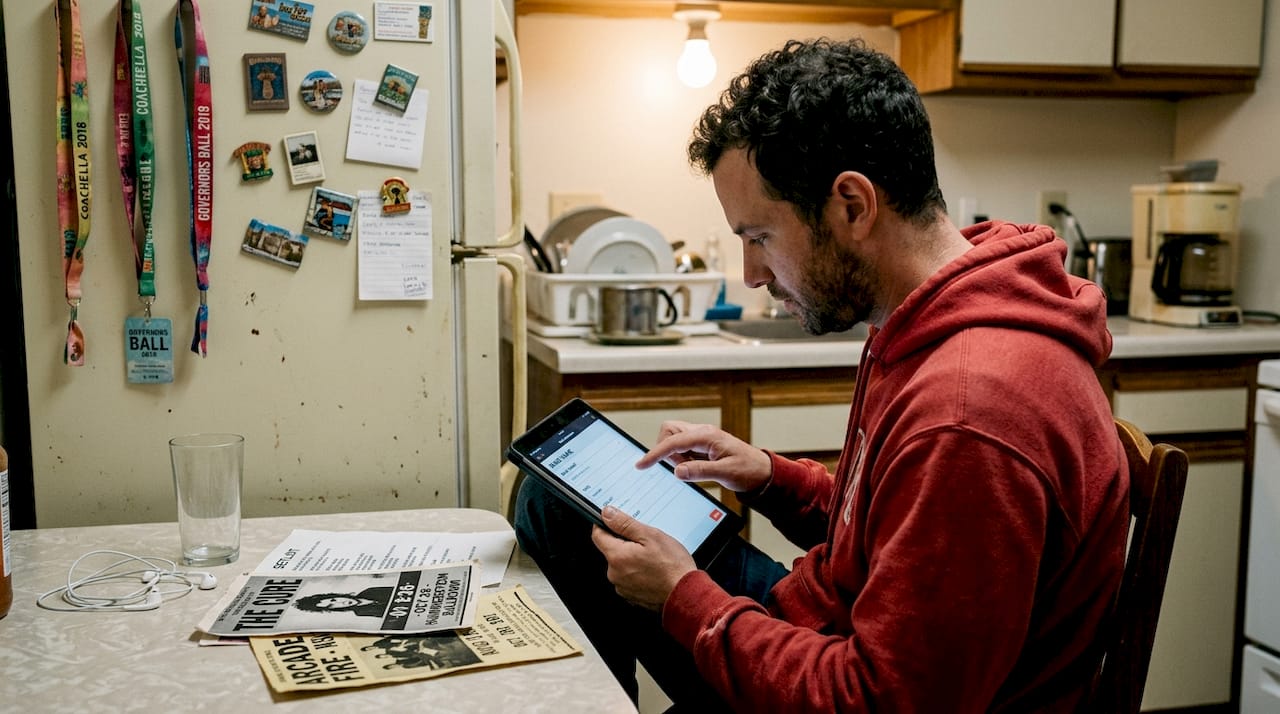
Setting up your digital side is straightforward. Concert Archives lets you mark shows as attended after creating an account, add concerts with photos, videos, and notes, and contribute setlists with sources for community verification. This community-driven approach means your archive benefits from shared knowledge.
Here's a simple setup table to get you started:
| Tool | Cost | Unique feature |
|---|---|---|
| Gigvault | Free/Premium | AI Music Identity, stats, mutual fan discovery |
| Concert Archives | Free | Community setlists, 10K+ user database |
| Encore | Free | Timeline view, photo integration |
| Physical journal | $15-30 | Tactile, memorabilia-friendly |
| Memorabilia envelope | $1-5 | Stores physical keepsakes |
The benefits of concert archiving go well beyond nostalgia. A well-organized archive helps you spot patterns in your music taste, discover new artists through your own history, and connect with fans who share your concert DNA. Once your concert tracker setup is complete, you'll have a foundation that grows automatically with every show. Pair it with insights and analytics to start seeing your live music story in a whole new way.
Capture each concert: Best practices and workflows
Once your system is set up, here's how to capture the full experience every time you attend a show. The key is building a repeatable workflow so logging feels natural, not like a chore.
Follow this process for every concert:
- Before the show: Note the artist, venue, city, date, and who you're going with. Check if a setlist from a recent tour date is available online to use as a reference.
- During the show: Use your notes app to jot down standout songs, crowd moments, or anything surprising. Keep it brief.
- Right after the show: Log the setlist, upload your best photos, and rate the experience while it's fresh.
- Within 24 hours: Write a short review or reflection. Add memorabilia to your physical kit.
- Weekly review: Scan your recent entries, add any missing details, and back up your data.
What to photograph for a richer archive:
- The stage setup before the crowd fills in
- A golden hour main stage photo if it's an outdoor venue
- Your group before or after the show
- Ticket stubs, wristbands, or any merch you bought
- Crowd shots that capture the energy
Common mistakes fans make: waiting two weeks to log a show (details blur fast), skipping the setlist entirely, or only saving blurry stage photos with no context.
Pro Tip: Jot two or three quick notes during the encore break, just a song title, a feeling, or a funny moment. Those small anchors make your post-show write-up feel vivid and personal.
For written reviews, structure them with an introduction covering background context, a body section covering setlist highlights, visuals, sound quality, and audience interaction, and a conclusion with your overall take. Balance personal emotion with objective observations for reviews other fans will actually want to read. You can also analyze concert experiences over time to spot what types of shows move you most, or use a dedicated festival tracker for multi-day events.
Organize, relive, and share your musical memories
After logging a concert, the real fun is in reliving your archives and joining a wider world of fans who do the same. A well-tagged archive is a treasure you'll keep returning to.
Here's how to keep your concert history easy to navigate:
- Tag every entry with artist name, venue, city, year, and companions
- Use ratings (1-5 stars) so you can filter your all-time favorites instantly
- Create playlists of setlists from your favorite shows on Spotify or Apple Music to relive the audio experience
- Set anniversary reminders for milestone concerts so you can revisit memories on their exact date
- Export or back up your archive annually so nothing gets lost if an app changes
Apps like Encore and Gigz include sharing features that let you post memories to friends or discover fans with overlapping histories. This turns a private archive into a social experience without the noise of a typical social media feed.
"The best concert archives aren't just databases, they're living stories. Every tagged entry, shared memory, and contributed setlist makes the whole community's experience richer and more accurate."
The numbers back this up. Concert Archives holds a 4.7 out of 5 rating across 679 reviews with over 10,000 installs, has been in use since 2013, and has been featured in the New York Times and Pitchfork. Users report logging 200 or more shows. That's a community built on the same passion you have.
Learn more about how to organize your concert archives for long-term use, or discover the best ways to share concert insights with friends and fellow fans.
Advanced strategies and troubleshooting common challenges
Keeping up with many concerts isn't always easy, especially for seasoned fans or those juggling multiple platforms. Here's how to level up.
Recovering forgotten shows:
- Search by date and city in your app's database to find shows you attended but never logged
- Gigz and ConcertCritic use GPS-verified check-ins and date or location search to help recover concerts from your past
- Check your camera roll or old social media posts for timestamps that anchor forgotten shows
- For older fans with decades of concert history, retrospective logging is a rewarding weekend project
Managing festivals separately:
Festivals are a different beast. Log each set as its own entry rather than grouping the whole weekend into one. Apps like Gigz handle festivals separately, which keeps your data clean and searchable.
Combining physical and digital:
The hybrid approach shines when you use your phone for fast logging and your journal for storytelling. Physical memorabilia, a wristband, a torn ticket stub, a festival stamp on your hand, adds sensory detail no app can replicate.
Planning future shows strategically:
Tiered artist lists and parameters like budget, travel radius, and priority ranking help you curate a season that feels intentional rather than reactive. Post-show notes also create feedback loops, helping you decide whether an artist is worth seeing again or which venues you love most.
Giving back to the community:
Contributing setlists, reviews, and photos to shared platforms improves data accuracy for everyone. If you've seen 50 shows by the same artist, your knowledge is genuinely valuable. Explore the different concert experience types to understand what you're actually chasing and document accordingly.
What most concert journaling guides overlook
Most guides focus on the mechanics: which app, which fields to fill in, how often to log. That's useful, but it misses the real reason fans build these archives in the first place.
The fans who stick with concert documentation long-term aren't the ones with the most disciplined systems. They're the ones who stopped chasing perfection. A blurry photo with a caption that says "lost my voice here" is worth more than a perfectly formatted entry with no soul. Overcomplicating the process is the number one reason fans quit.
The deeper value isn't the stats. It's the emotional resonance. Scrolling back through your archive and finding a show you attended during a hard year, or a spontaneous last-minute gig with a friend you've since lost touch with, that's what makes the deeper value of archiving undeniable. Sharing unfiltered moments, the shows that went sideways, the surprise openers you fell in love with, creates the richest stories and the strongest bonds between fans. Document the mess. That's where the real memories live.
Level up your concert archives with Gigvault
Ready to let your archive do the hard work and focus on making memories? Gigvault was built specifically for fans who want more than a spreadsheet or a notes app. It automates the organizational side so you can focus on the experience itself.
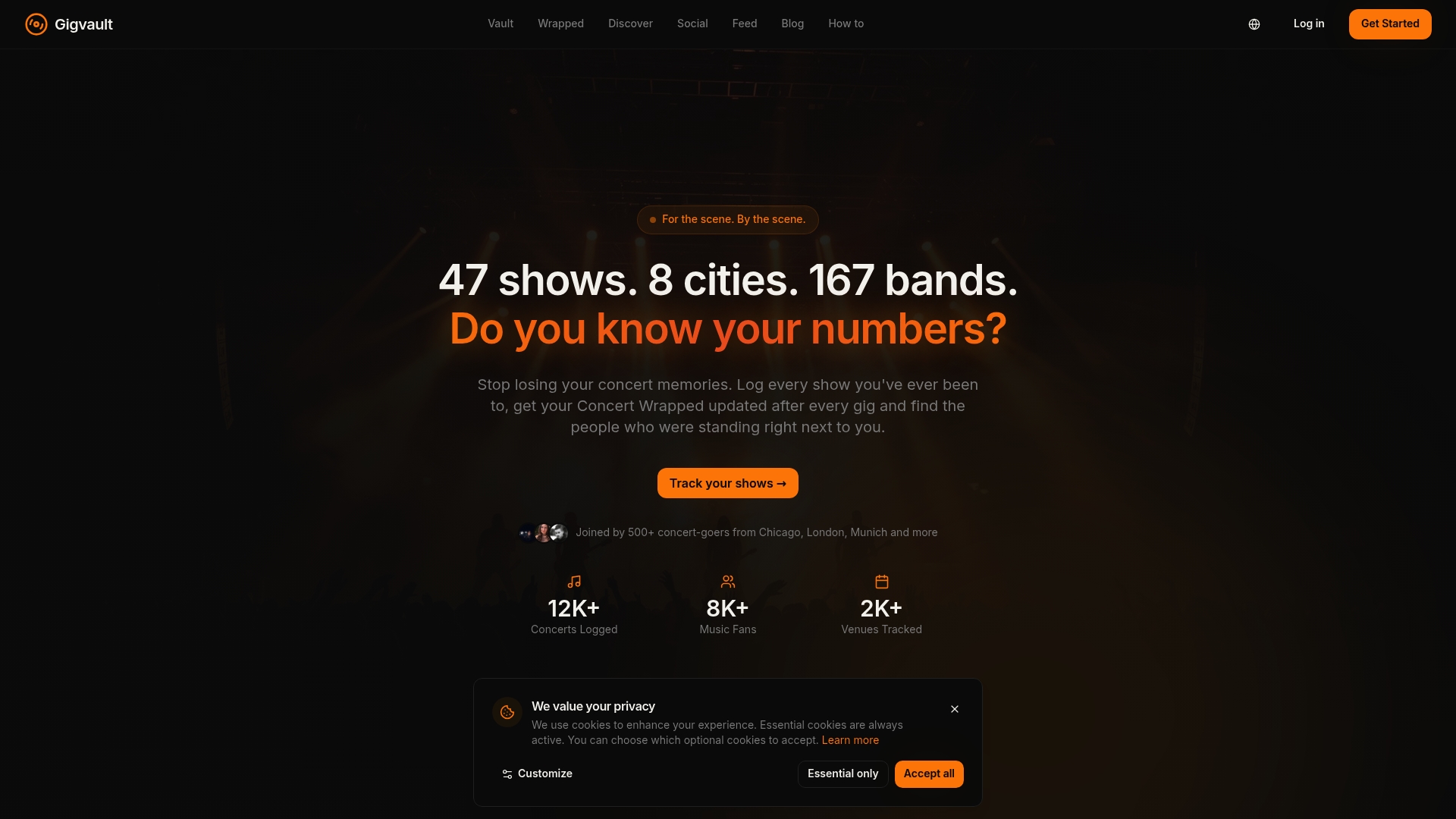
With Gigvault, you get a dedicated concert diary that stores setlists, photos, ratings, and personal notes in one place. The setlist tracker keeps every song from every show organized and searchable. And the full suite of Gigvault features, from AI-generated Music Identity to mutual fan discovery, turns your archive into a living reflection of your musical life. Start building the concert history you actually deserve.
Frequently asked questions
What are the best apps for logging live concerts?
Encore, Gigz, and Concert Archives are three top-rated apps for logging concerts, setlists, and sharing musical memories, each with unique strengths in stats, social features, and community data.
How can I recover shows I forgot to log?
Gigz and ConcertCritic use date, location search, and GPS-verified check-ins to help you recover concerts you attended but never recorded, making retrospective logging surprisingly easy.
Is a physical journal better than a digital app for concerts?
Physical journals excel for memorabilia and deep reflection, while digital apps win for search, sharing, and large archives. Many fans find a hybrid approach gives them the best of both.
How do I organize years of past concerts?
Tag every entry by artist, venue, city, and companions, then use search-enabled platforms with advanced filtering to sort and retrieve any show from your history in seconds.