TL;DR:
- Concert logging involves creating a searchable digital record of all attended live music events.
- Popular apps support features like setlist integration, media uploads, stats, and social sharing.
- Logging preserves memories, tracks one’s concert history, and connects fans through community engagement.
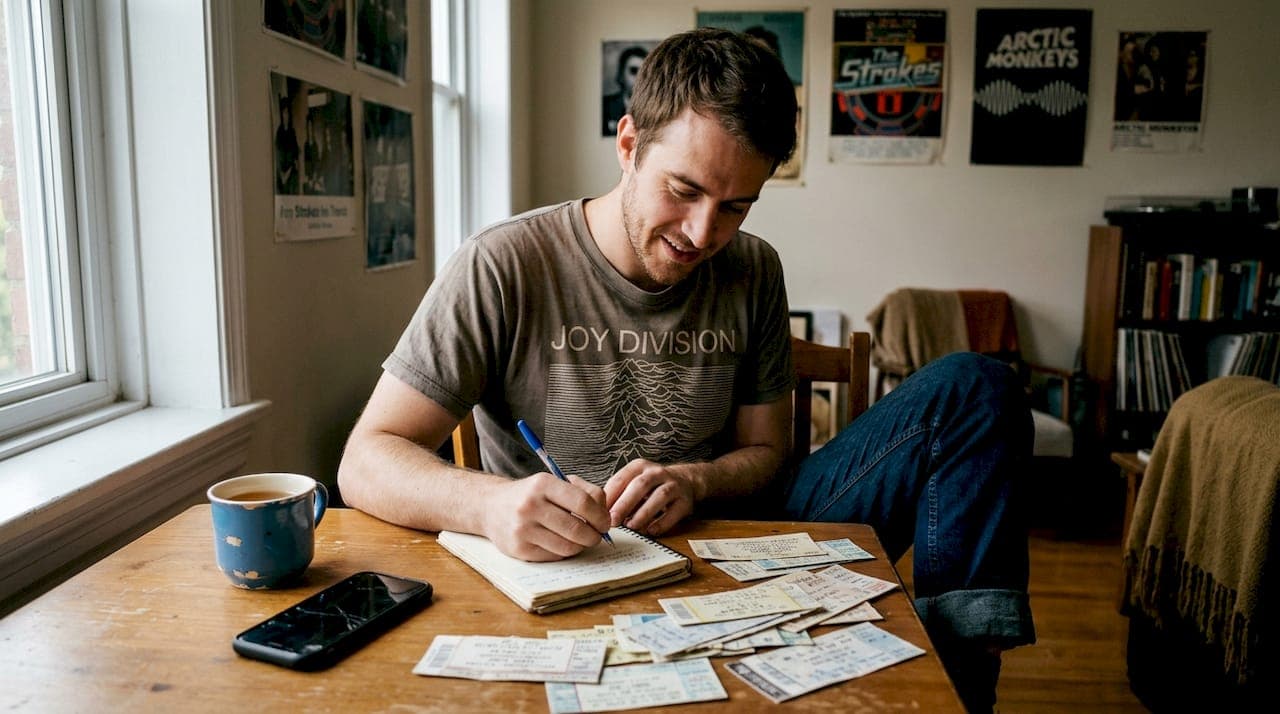
Some fans don't just attend concerts. They document them obsessively. One New York superfan known as "Concert Joe" has logged over 24,000 shows and counting, turning his live music life into a living archive. But concert logging isn't just for extreme collectors. It's a growing digital practice that lets any fan build a personal live music legacy, from their very first show to their hundredth. In this guide, we'll break down what concert logging actually is, how it works, the best tools available, and how you can get started without feeling overwhelmed.
Table of Contents
- What is concert logging?
- How concert logging works: Key features and tools
- Why log your concerts? Community, stats, and memories
- Tips, edge cases, and common pitfalls
- A concert-goer's take: What most articles miss about concert logging
- Ready to start? Try concert logging with Gigvault
- Frequently asked questions
Key Takeaways
| Point | Details |
|---|---|
| Concert logging defined | Concert logging means recording your live music experiences with apps or websites for memories and stats. |
| Why it matters | Documenting concerts creates a personal legacy and connects you with a global music community. |
| Choose your tools | Dozens of apps and platforms offer features for setlists, photos, stats, and privacy options. |
| Logging is flexible | You can start with basic details or go deep—every fan can find their perfect style and platform. |
| Avoid common pitfalls | Prepare for possible tech glitches and explore advanced features like festival tracking and importing data. |
What is concert logging?
Concert logging is the practice of recording details about every live music event you attend. Think of it as a personal diary, but built specifically around shows. Instead of scribbling notes on a napkin or stuffing ticket stubs in a shoebox, you're creating a structured, searchable digital record of your entire concert history.
At its core, concert logging documents attendance at live music events, capturing artists, dates, venues, setlists, photos, and memories in one organized place. Apps like ConcertCritic, Encore Concert Diary, Gigz, and Concert Archives all offer variations of this experience.
Here's what a typical concert log entry includes:
- Artist or band name
- Venue name and location
- Date of the show
- Setlist (songs performed in order)
- Photos or videos from the night
- Personal rating of the show
- Notes or memories (who you went with, how the crowd felt, a standout moment)
- Opening acts
The table below shows how logging depth can vary by fan type:
| Fan type | What they typically log | How often |
|---|---|---|
| Casual fan | Artist, date, venue | After big shows |
| Regular concert-goer | Full setlist, photos, rating | After every show |
| Superfan | All details plus notes, media, stats | In real time |
People log concerts for all kinds of reasons. Some want to remember a specific night years later. Others love the idea of documenting concert memories as a form of storytelling. And some just want to know: how many shows have I actually been to? Whatever your reason, the practice turns fleeting nights into something you can revisit forever.
How concert logging works: Key features and tools
Now that you know the basics, let's see how fans actually log their concerts and the top tools available.
Most logging apps follow a similar workflow. You search for a show (or add it manually), confirm the details, upload any photos, add a rating or notes, and save it to your history. It sounds simple, but the best apps go much further.
Most apps allow adding past and future concerts, uploading media, generating stats and timelines, integrating with platforms like Ticketmaster or Setlist.fm, and sharing social highlights. That integration piece is huge. Instead of typing out every song performed, you can pull a verified setlist directly from Setlist.fm and attach it to your log in seconds.
Here's a quick comparison of popular tools:
| App | Key strength | Best for |
|---|---|---|
| Concert Archives | Large database, community stats | History tracking |
| Setlist.fm | Setlist accuracy, global database | Setlist obsessives |
| Encore | Clean UI, personal stats | Casual to mid-level fans |
| Gigvault | Memory focus, AI identity, social | Full experience logging |
Beyond the basics, look for these features when choosing a best concert tracking app for your needs:
- Stat dashboards showing total shows, top artists, cities visited
- Timeline views so you can scroll your concert history visually
- Social sharing to post stats cards or show recaps
- Setlist tracker tools that auto-populate song lists
- Achievement badges or milestones to make logging feel rewarding
Pro Tip: Don't wait until you've attended a few shows to start logging. Import your past concerts first. Most apps let you search by artist and date to find shows you attended years ago. Starting with a full history makes the experience immediately satisfying and gives your stats real meaning.
The choice between manual entry and auto-integration really comes down to how much detail you want. Manual entry gives you control and a personal touch. Auto-integration saves time and keeps your data accurate. Many fans use both, pulling in setlists automatically while adding their own notes by hand.
Why log your concerts? Community, stats, and memories
Once you see the features, you may wonder why anyone puts in the effort. Here's why logging concerts is absolutely worth it.
The biggest reason fans log shows is simple: memory fades. You might remember the energy of a headlining set, but two years later, can you recall the exact song that made you cry? Or the opener who blew you away before they got famous? Logging captures those details while they're fresh.

Memory preservation and community are the top drivers for concert logging, and the best apps deliver both through graphs, stats, and social sharing tools that turn your history into something you can actually show off.
Here's what keeps fans coming back to their logs:
- Nostalgia on demand — pull up any show from five years ago and relive it
- Bragging rights — your stats tell a story no one else has
- Community connection — find fans who attended the same shows
- Artist tracking — see every time you've seen a band live
- City milestones — discover how many cities you've traveled to for music
The concert logging benefits go beyond personal satisfaction. Logging also helps you plan smarter. If you can see that you've seen a certain artist four times and always loved it, you're more likely to prioritize their next tour.
"Your concert history is a map of who you are. Every show you've attended reflects a moment in your life, a version of yourself, and a choice you made to show up."
There's also something deeply satisfying about quantifying your passion. How many total hours have you spent at live shows? Which venue have you visited most? Which year was your biggest for concerts? These are questions logging can actually answer. And if you want to track cities visited for concerts, some platforms map your entire journey geographically, turning your history into a visual adventure.
Fans like "Concert Joe" aren't logging 24,000 shows because they have to. They do it because it becomes part of the experience itself.
Tips, edge cases, and common pitfalls
With the excitement covered, it's smart to consider what can go wrong and how to avoid headaches as you log.
Festival logging trips up a lot of new users. A multi-day festival isn't one show. It's dozens. The best approach is to log each artist set separately, then tag them all under the festival name. This keeps your stats accurate and lets you rate individual performances rather than lumping everything together.
Edge cases include logging festivals, importing data from other platforms, handling private shows, verifying attendance, and occasional app issues noted in user reviews. Knowing these pitfalls ahead of time saves a lot of frustration.
Here are the most common mistakes new loggers make:
- Logging too late — details get fuzzy fast, so log within 24 hours of a show
- Skipping private or small shows — house concerts and local gigs count too
- Ignoring duplicates — importing from multiple sources can create double entries
- Not verifying setlists — auto-pulled setlists are sometimes wrong or incomplete
- Forgetting to use a festival tracker — specialized tools handle multi-act events far better
Privacy is another thing worth thinking about. Some fans want their full history public so they can connect with others. Others prefer to keep certain shows private, maybe a personal or emotionally significant night. Most platforms offer privacy controls at the individual show level, so you can choose what's visible and what isn't.
Pro Tip: Always back up your concert log data. Export your history periodically if the app allows it. Platforms can change or shut down, and you don't want to lose years of carefully logged shows. Also double-check any imported data against your own memory or old photos. Automated imports are convenient but not always perfect.
One more thing: don't let perfectionism stall you. You don't need every detail filled in to start. A show with just the artist name and date is still worth logging. You can always go back and add more.
A concert-goer's take: What most articles miss about concert logging
Most guides treat concert logging like a productivity system. Add data, generate stats, share highlights. But here's what they miss: logging can quietly compete with the experience itself if you're not careful.
There's a real temptation to spend half a show getting the perfect photo for your log instead of actually feeling the music. The log becomes the goal, and the show becomes the content. That's backwards. The best loggers we've seen treat documentation as something that happens after the show, not during it.
There's also a nostalgia trap. Digital records are incredible for reliving memories, but they can make you feel like why log every concert is about building a perfect archive rather than living a real life. It isn't. A blurry photo and three words of notes from a show you barely remember is still a valid entry.
Concert logging actually bridges old-school collecting (think ticket stubs, flyers, backstage passes) with today's digital communities in a way nothing else does. It honors both impulses. Your story doesn't need to be complete or polished. It just needs to be yours.
Ready to start? Try concert logging with Gigvault
If reading this has you itching to build your own concert archive, Gigvault is the place to start.
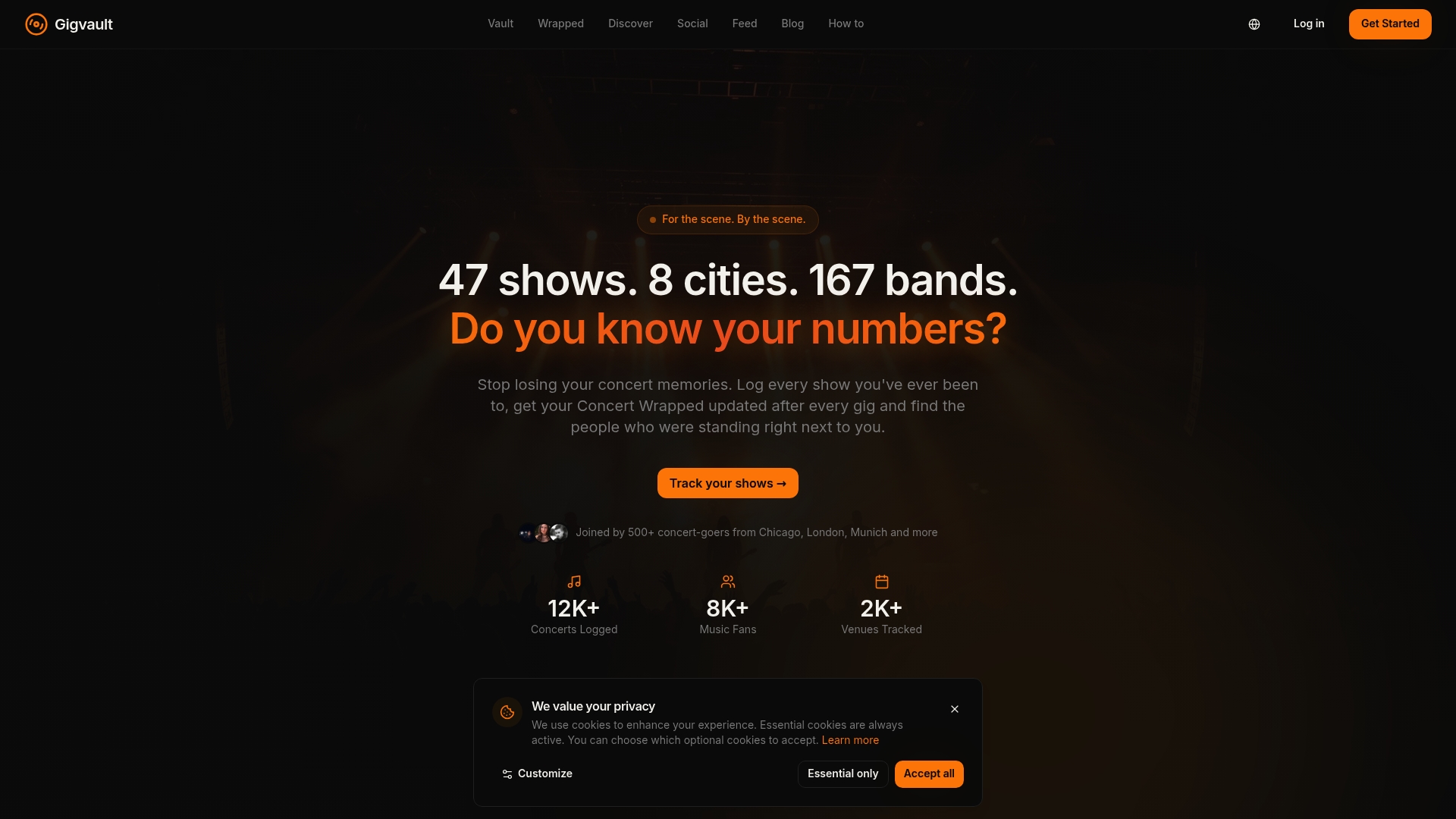
Gigvault brings together everything covered in this guide: a personal concert diary, detailed stats, setlist tracking, photo uploads, and a fan community built around shared show histories. You can explore Gigvault's full features to see how AI-generated Music Identity and mutual connection discovery set it apart from basic logging apps. Log your first show, import your past history, and start turning your live music life into a legacy worth keeping.
Frequently asked questions
Do I need to remember every detail to log my concerts?
No. Just record what you remember, and most platforms let you update missing details like setlists or photos later. Partial logs are still valuable.
Is concert logging only for superfans?
Anyone can log concerts, whether you see one show a year or hundreds. Even fans range widely from casual attendees to "Concert Joe" with 24,000 logged shows. It's about your unique journey.
Can I export or share my concert log with friends?
Yes. Most apps let you share highlights, stats, and concert cards to social media or via links. Export and social sharing are standard features across leading concert logging platforms.
Are my concert logs public or private?
It depends on your settings. Most platforms offer privacy controls per event, letting you keep certain shows private while sharing others with the community.