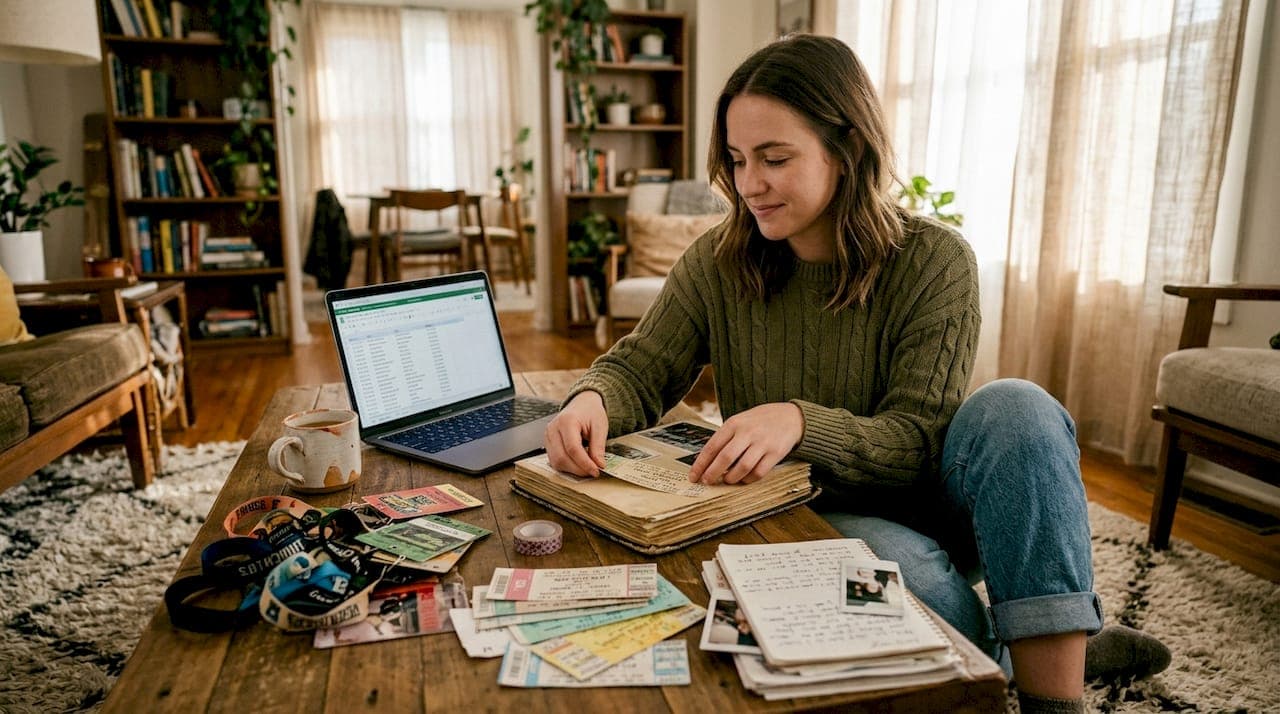
You've been to dozens of shows, maybe hundreds, but ask yourself right now: can you name every concert you've attended, in order, with the venue and setlist? Most dedicated fans can't. Memory is selective, and live music experiences blur together over years of touring seasons, festival weekends, and spontaneous last-minute tickets. A defining concert timeline fixes that problem by giving your entire live music history a permanent, organized home, and this guide walks you through exactly how to build one, maintain it, and use it to connect with fellow fans who share your passion.
Table of Contents
- What is a defining concert timeline?
- Popular methods to build your concert timeline
- Step-by-step: How to create your own concert timeline
- Overcoming common challenges and edge cases
- Turning your concert timeline into a shared experience
- Take your concert timeline further with Gigvault
- Frequently asked questions
Key Takeaways
| Point | Details |
|---|---|
| Personal record | A concert timeline helps you organize and relive your music experiences. |
| Choose your method | Apps, spreadsheets, and ticket stubs all work—select what fits your style and needs. |
| Tackle gaps | For missing shows or details, use partial memory, online searches, and ask friends. |
| Share with others | Timelines connect you to fellow fans and build powerful music community bonds. |
| Go digital for ease | Platforms like Gigvault simplify building and showcasing your concert history. |
What is a defining concert timeline?
A concert timeline is exactly what it sounds like: a personal, chronological record of every live show you've attended. But it's more than a simple list. A well-built timeline can include show dates, artist names, venue details, setlists, photos, videos, ticket stubs, and personal notes about what made each night memorable.
As fans on Reddit's concert community describe it, a defining concert timeline is a personal chronological record used to organize experiences, document memories, and connect with fans. That framing matters because it shifts the purpose from simple record-keeping to something richer: building a living archive of your musical identity.
Why do dedicated fans bother? Here are the core reasons:
- Memory preservation: Live shows fade faster than you'd expect. A timeline locks in the details before they disappear.
- Community verification: Sharing your history lets you confirm overlapping experiences with other fans who were at the same shows.
- Personal milestones: Tracking your first show, your 50th, or your first stadium concert gives your journey shape and meaning.
- Artist and venue tracking: Seeing which artists you've seen most, or which venues you keep returning to, reveals patterns you'd never notice otherwise.
"I started logging shows after I forgot whether I'd seen a band twice or three times. Now I have every show since 2009 documented with photos and notes. It changed how I experience concerts entirely."
If you want to remember every concert you've ever attended, a timeline is the foundation. It also makes it far easier to organize concert archives in a way that actually enriches your music journey rather than just cluttering a folder on your phone.
Popular methods to build your concert timeline
Once you know what a defining concert timeline is, it's time to choose the best method for building yours. There's no single right answer here. Your ideal approach depends on how much automation you want, how private you want your data, and how social you want the experience to be.
Here's a direct comparison of the three main options:
| Method | Automation | Social sharing | Privacy | Backup | Best for |
|---|---|---|---|---|---|
| Dedicated app | High | Built-in | Varies | Cloud-based | Fans who want features fast |
| Spreadsheet | Low | Manual export | Full control | Manual | Detail-oriented fans |
| Physical journal | None | Offline only | Maximum | None (fire risk) | Analog lovers |
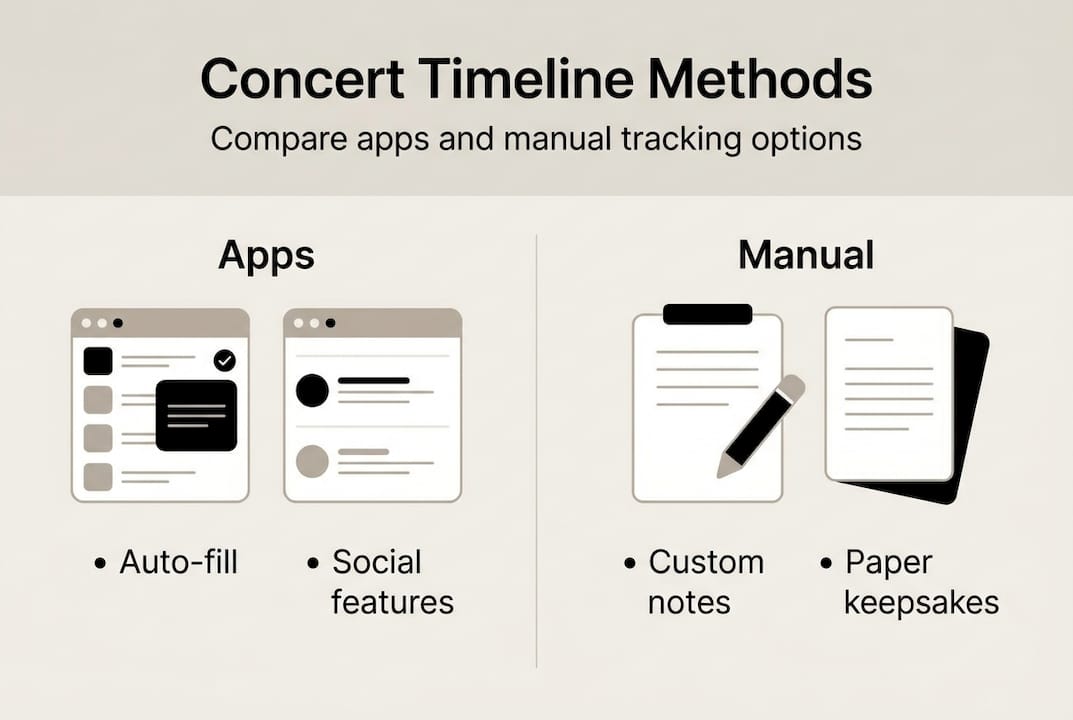
As fans debate across tracking communities, the contrast between apps (social features, auto-population) and manual methods (privacy, full control) is the central tension. Setlist-focused fans often prefer apps that pull data automatically, while photo-heavy fans may want more control over media organization.
The best concert tracking apps typically let you search for shows by artist or date and auto-fill venue and setlist data. That saves hours of manual entry, especially when you're logging 50 past shows at once.
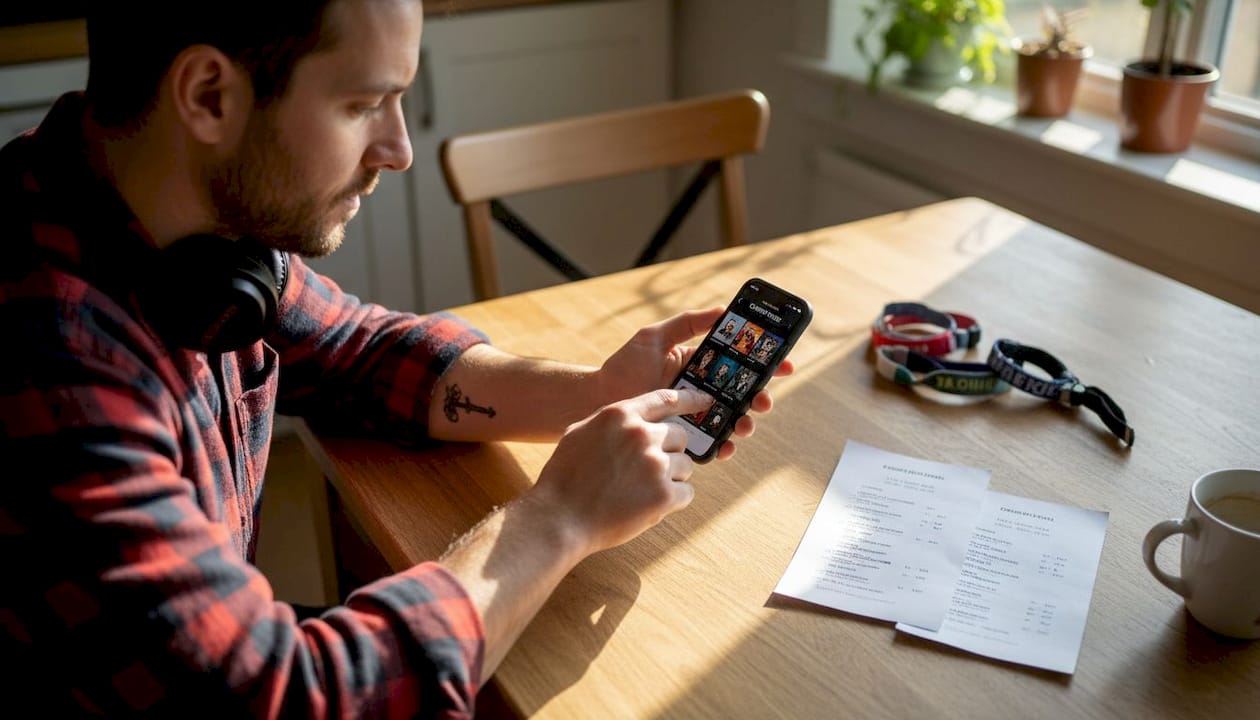
Pro Tip: Don't choose just one method. Keep a digital app as your primary record and a physical ticket stub collection as your backup. If an app shuts down or loses data, your physical archive keeps the history alive.
Here's how to get started with each approach:
- App: Download your chosen platform, create an account, and search for your most recent show to test the auto-fill features before committing to a full backlog entry.
- Spreadsheet: Create columns for date, artist, venue, city, support acts, setlist notes, and a personal rating. Start with your most memorable shows first to build momentum.
- Physical journal: Dedicate one page per show. Include the ticket stub, a photo print if possible, and three sentences about what stood out. Date every entry.
For memory tips for shows you attended years ago, cross-referencing setlist databases with your own photos or social media posts from that era works surprisingly well.
Step-by-step: How to create your own concert timeline
After choosing your preferred tracking approach, here's how to start building your timeline efficiently. The biggest mistake fans make is trying to do everything at once. Start focused, build momentum, and fill gaps over time.
- Gather your raw materials. Pull together old ticket stubs, email confirmations, photos, and any social media posts from past shows. Even partial information is useful at this stage.
- Pick your format. Decide on app, spreadsheet, or hybrid before entering a single show. Switching formats midway through is frustrating and time-consuming.
- Start with your most recent shows. Your memory is sharpest for recent events. Log the last 10 shows first to build the habit before tackling older entries.
- Use setlist databases for gaps. Sites that archive setlists by date and venue can fill in song-by-song details you've long forgotten. Search by artist name and approximate year.
- Work backward in batches. Tackle your history in five-year chunks. This makes the project feel manageable rather than overwhelming.
- Add context notes. For each show, write one or two sentences about a specific memory: who you went with, a song that hit differently, or something unexpected that happened.
- Set a post-show routine. After every new concert, log it within 48 hours while details are fresh. This is the single habit that keeps your timeline accurate long-term.
Pro Tip: For shows you genuinely can't remember clearly, log what you do know and mark the entry as "needs verification." As fans note when dealing with memory gaps, partial recall combined with database searches and peer confirmation fills most gaps over time. Check your forgotten concerts guide for specific strategies.
Overcoming common challenges and edge cases
Even with the perfect plan, you may face obstacles. Here's how to keep your timeline complete and accurate when things get complicated.
The most common issues fans run into include:
- Fuzzy memory for old shows: You know you saw a band in 2011 but can't remember the city. Search the artist's tour history for that year and cross-reference with any photos you have from that period.
- Festival tracking: A single festival weekend might include 15 artists across three days. Create one master festival entry, then add individual artist entries for each set you actually watched. This keeps your timeline clean without losing detail.
- App crashes and lost data: This is why the hybrid approach matters. If your app loses data, your physical backup or a simple exported spreadsheet saves years of work.
- Unlisted small venues: Tiny clubs and DIY spaces often don't appear in databases. For these, manual entry is your only option. Document as much as you can: the neighborhood, the approximate capacity, any flyers you kept.
- Verifying old attendance: Old credit card statements, Venmo payments to friends for tickets, and Instagram archive posts are underrated verification tools for shows from five or more years ago.
For tracking concert locations across your history, mapping the cities you've traveled to for music adds a genuinely surprising layer to your timeline. Most fans are shocked by how far they've traveled.
"Resilience is the most underrated skill in concert tracking. Your timeline doesn't have to be perfect to be valuable. An 80% complete record is infinitely better than none at all."
Festivals deserve special attention because fans consistently debate whether to log them as single events or break them into individual artist entries. Both approaches work. The key is consistency: pick one method and apply it across your entire timeline.
Turning your concert timeline into a shared experience
Once your timeline is set, you can leverage it to deepen your connection with other fans. A private archive is valuable. A shared one is transformative.
Here's what becomes possible when you open your timeline to community features:
| Feature | What it enables | Who benefits most |
|---|---|---|
| Shared show history | Discover fans who attended the same concerts | Long-time fans with deep archives |
| Public artist pages | See who else has seen your favorite acts | Artist-specific superfans |
| Community events | Coordinate attendance for upcoming shows | Friend groups and solo concert-goers |
| Timeline comparisons | Compare show counts, cities, and genres | Competitive or stats-driven fans |
As timeline archives demonstrate, shared concert histories create genuine connections between fans who might never have met otherwise. Finding someone who was at the same obscure 2014 club show as you is a surprisingly powerful bonding experience.
For fans who want to go deeper on sharing concert insights with their community, the data your timeline generates, such as top artists, cities visited, and show counts, becomes a conversation starter that goes far beyond "what shows have you been to lately?"
The social dimension of timelines also explains why shared concerts create powerful social bonds. Mutual attendance at the same live event is a shared emotional experience, and timelines make those overlaps discoverable.
Privacy matters too. Not every fan wants a public profile. The best platforms let you control exactly what's visible: you might share your top artists publicly while keeping personal notes and photos private. That balance keeps the social benefits without sacrificing the intimacy of your personal archive.
Offline sharing has its own value. Printing a curated timeline as a physical scrapbook, or swapping stories at pre-show meetups based on your documented history, creates memories that live outside any app.
Take your concert timeline further with Gigvault
Ready to upgrade your tracking? Here's the easiest way to bring your concert memories to life.
Gigvault's features are built specifically for fans who take their live music history seriously. You can log every show you've attended, upload photos and videos, attach setlists, rate performances, and generate personalized stats that show your full concert journey at a glance. The platform's AI-generated Music Identity feature turns your archive into a genuine reflection of who you are as a fan.
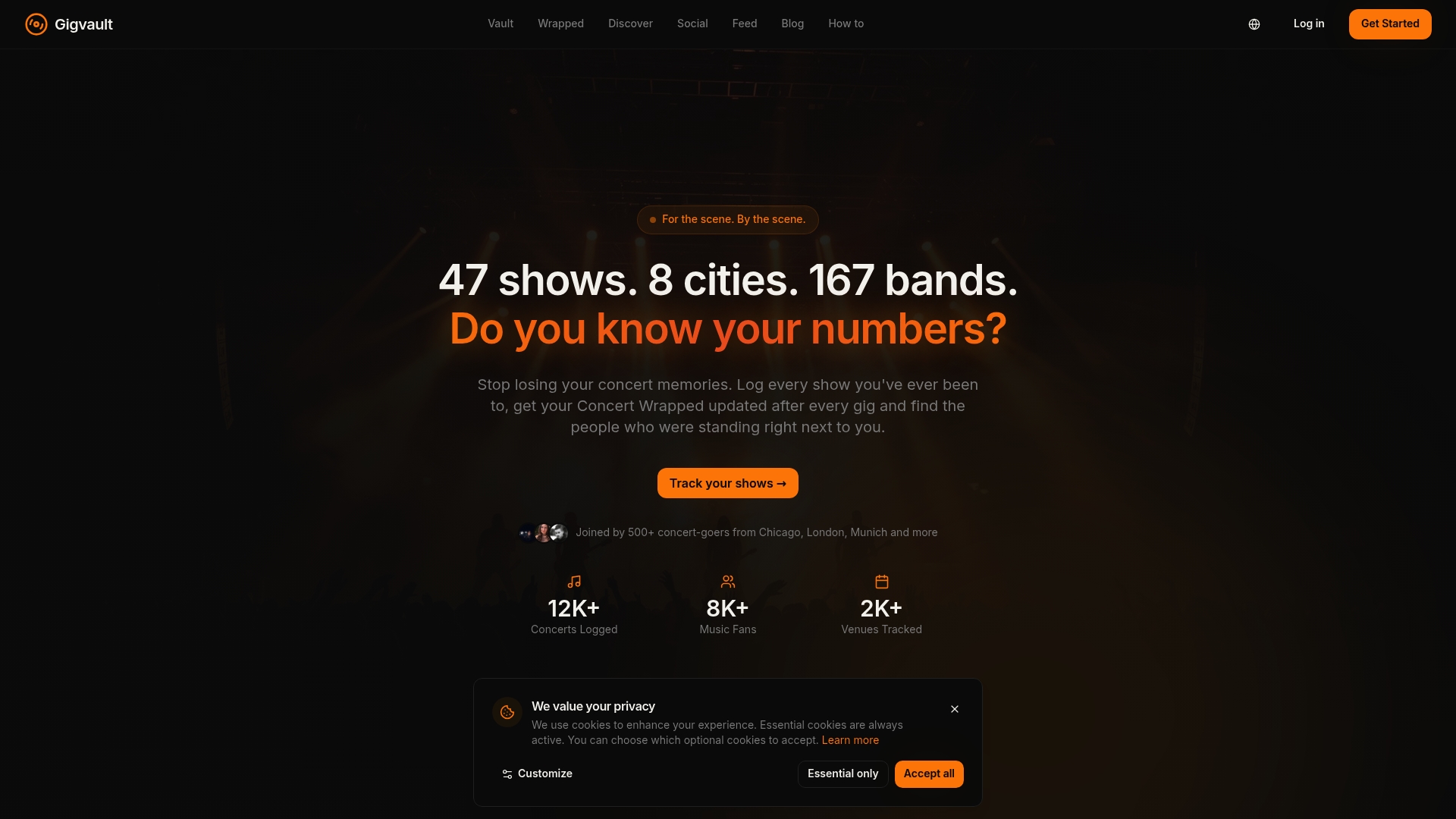
Unlike generic social platforms, Gigvault is designed around your memories, not follower counts or algorithms. You can discover other fans who attended the same shows, plan upcoming concerts with friends, and split costs without leaving the platform. Whether you're logging your first show or your five hundredth, track concerts with Gigvault and give your live music history the permanent home it deserves.
Frequently asked questions
What should I include in my concert timeline?
Include show dates, artists, venues, setlists, photos, and a short personal note for each event. A chronological record that organizes experiences and documents memories is the core foundation.
How can I remember concerts I attended long ago?
Use old tickets, social media history, setlist websites, and ask friends who attended with you. Memory gaps for old shows can almost always be narrowed down with a combination of partial recall and database searches.
Can I track festival shows separately from regular concerts?
Yes, and many fans prefer it. Create a master festival entry plus individual artist entries for each set you attended, so your timeline reflects both the event and the specific performances you experienced. Festivals often require separate tracking to stay organized.
Are digital apps or manual methods better for concert timelines?
Apps offer automation and social features, while manual methods give you maximum control and privacy. The core contrast between apps and manual tracking comes down to what you value more: convenience or complete ownership of your data.
Recommended
- How to Remember Every Concert You've Ever Been To | gigvault
- Features | Gigvault
- Why organize concert archives to enrich your music journey
- How to share concert insights effectively in 2026
- Event mit DJ erfolgreich gestalten How-to: Unvergessliche Feier planen
- Guide til musikalske events 2026: 60% mere engagement