
TL;DR:
- Concert recap apps help fans preserve detailed memories of their live music experiences.
- Popular platforms include Setlist.fm, Gigvault, and Concert Archives, each with different features.
- Logging shows promptly and adding notes enhances long-term personal and social engagement.
You've been to dozens of shows. Maybe hundreds. But ask yourself: can you name the opening song from that career-defining set you caught three summers ago? Do you remember which venue had the best sound, or how many times you've seen your favorite artist live? For passionate concert-goers, the details fade fast. A concert experience recap fixes that. It turns fleeting memories into a personal archive you can revisit, share, and actually learn from. This article covers the best platforms, how to log your shows, what stats to track, and how to connect with fans who share your live music obsession.
Table of Contents
- What makes a great concert experience recap?
- Top platforms for recapping your concert experiences
- How to log your show: Methods and expert tips
- Beyond the stats: Social sharing, memories, and finding your tribe
- Comparison table: Which concert recap platform suits your style?
- Our take: Why concert recap culture matters more than ever
- Ready to take your concert recaps to the next level?
- Frequently asked questions
Key Takeaways
| Point | Details |
|---|---|
| Smart recap criteria | The best recaps capture not just stats but memories, standout moments, and connections with other fans. |
| Top recap platforms | Apps like Setlist.fm, Gigvault, and Concert Archives make logging and analyzing your concert history simple and fun. |
| Stats and stories together | Blending quantitative data with personal notes helps you relive the magic of every show for years to come. |
| Connect and share | Sharing your concert log turns recaps into a social journey that fuels discovery and friendships. |
| Log right away | Recording your experience right after each show preserves details that memory will soon lose. |
What makes a great concert experience recap?
Not all recaps are created equal. A quick note in your phone saying "saw The Cure, it was amazing" is better than nothing, but it won't hold up five years from now. The best recaps capture the full picture of a night, and the best platforms make that easy.
Here's what a solid concert recap should include:
- Date, venue, and city so you can map your journey over time
- Full setlist with notes on standout songs or surprises
- Personal rating to reflect how the show actually felt
- Photos or short videos to anchor the memory visually
- Notes on the crowd, sound, or special moments that made the night unique
The stats side matters just as much. Fans love tracking their most-seen artists, favorite venues, total show count, and song rarities. Setlist.fm tracks 434k artists across 9.7 million setlists, which gives you a sense of just how deep the data rabbit hole goes.
A good concert diary also needs a low-friction workflow. If logging a show takes more than a few minutes, most people skip it. The sweet spot is an app that auto-pulls setlist data and lets you add personal notes on top.
"The best concert recaps aren't just lists of songs. They're time capsules. Every detail you add now is something you'll be grateful for in ten years."
For a deeper look at what makes a concert recap structure work, it helps to think about it the way journalists do: context, highlights, and emotional impact.
Pro Tip: Log your show within 24 hours while the details are still sharp. Even a quick voice memo on the way home can save memories you'd otherwise lose by morning.
Top platforms for recapping your concert experiences
With the qualities of a great recap in mind, it's time to explore which platforms stand out for dedicated fans. Dedicated concert-goers use apps like Setlist.fm, Gigvault, Concert Archives, ConcertCritic, Encore, and Momento to log shows, each with a different focus.
Here's how the main players stack up:
| Platform | Logging method | Stats | Social features | Best for |
|---|---|---|---|---|
| Setlist.fm | Mark setlists as attended | Song frequency, artist counts | Basic community | Stat nerds, setlist obsessives |
| Gigvault | Timeline, AI identity, Wrapped | Full personal stats, recaps | Buddy discovery, shared histories | All-in-one memory + stats |
| Concert Archives | Manual entry | Simple counts | Photo sharing | Journalers, photo lovers |
| ConcertCritic | GPS check-in | Attendance verified | Community reviews, social feed | Social fans, reviewers |
| Encore / Momento | Manual or import | Basic | Niche sharing | Casual trackers |
Gigvault stands out for fans who want more than a spreadsheet. Gigvault has logged 12,000+ concerts across 2,000+ fans, 1,000+ festivals, and 2,000+ venues. Its Concert Wrapped feature gives you a personalized year-end recap, and its AI-generated Music Identity tells you what your concert history actually says about you as a fan.
For a broader look at your options, check out this guide to best concert tracking apps to find what fits your style. If you want a dedicated concert tracker with deep stats, Gigvault is worth a close look. Concert Archives is a solid choice if photos and journals are your priority.
How to log your show: Methods and expert tips
Knowing which apps exist is just the start. Here's a step-by-step process for logging your own concert experiences in a way that actually sticks.
- Find the setlist on Setlist.fm or Gigvault right after the show. Most major concerts are uploaded within hours.
- Mark it as attended to auto-generate your stats. This is the fastest way to build your history without manual entry.
- Add personal notes while the show is fresh. What was the crowd like? Did the artist say anything memorable? Was there a surprise guest?
- Upload a photo or two. It doesn't need to be professional. A blurry crowd shot still anchors the memory.
- Rate the show on a simple scale. This helps you compare experiences over time and spot patterns in what you love.
- Tag the venue and city if your app supports it. Over time, your concert stats will show you which cities you've traveled to for music.
Marking setlists as attended auto-generates stats, while manual entries let you add photos, notes, and ratings for a richer record. GPS-verified check-ins, available on apps like ConcertCritic, add an extra layer of authenticity.
For shows with no setlist available, don't skip the log. Enter what you remember manually. Memory-only entries still count toward your history and can be filled in later.
Pro Tip: Use your setlist tracker to flag songs you've never heard live before. Over time, your "first-time songs" list becomes one of the most satisfying stats to review.
Beyond the stats: Social sharing, memories, and finding your tribe
Once you're logging concerts, the social side opens up new possibilities to connect and relive your memories in meaningful ways. Stats are satisfying, but the real magic happens when you realize someone else was at the same obscure show you attended in 2019.

Concert Archives and similar platforms enable connection via shared histories, buddy tracking, and discovery, turning recaps into social proof of your fan identity. Gigvault takes this further with mutual connection discovery, matching you with fans whose concert histories overlap with yours.
Here's what the social layer adds:
- Shared concert history lets you find people who were at the same shows
- Buddy tracking helps you plan future concerts with friends who share your taste
- Social feeds let you see what shows your connections are attending or logging
- Wrapped-style recaps give you something worth sharing at the end of the year
"Live music is deeply personal, but it's also communal. Recaps let you honor both sides of that experience."
Research on individual concert experiences confirms that fans value their own emotional journey at a show, not just the performance itself. Apps that capture real-time updates, social feeds, and memory-focused recaps reflect that reality. A festival tracker that logs your multi-day experiences adds another dimension, helping you see your festival history as its own chapter in your music story.
Comparison table: Which concert recap platform suits your style?
To make it even easier to choose, here's a side-by-side look at the top concert recap platforms, mapped to the needs we've covered.
| Platform | Best for | Logging speed | Photo/notes | Stats depth | Social features |
|---|---|---|---|---|---|
| Setlist.fm | Stat nerds | Fast (auto) | Minimal | Deep | Basic |
| Gigvault | All-in-one fans | Fast + rich | Full support | Very deep | Strong |
| Concert Archives | Journalers | Moderate | Excellent | Basic | Moderate |
| ConcertCritic | Social fans | GPS-verified | Moderate | Moderate | Strong |
| Encore/Momento | Casual trackers | Manual | Basic | Minimal | Niche |
Here's a quick decision guide based on your priorities:
| Your priority | Best pick |
|---|---|
| Speed and automation | Setlist.fm or Gigvault |
| Photo memories and journaling | Concert Archives |
| Social connection and discovery | Gigvault or ConcertCritic |
| Year-end Concert Wrapped recap | Gigvault |
| Tracking a specific artist like Kataklysm | Gigvault |
Some fans prioritize individualized experience over communal recap, while others want both. The good news is that apps today combine stats and diaries in ways that suit both types of fan.
Our take: Why concert recap culture matters more than ever
Stepping back, what does all this tell us about how and why we remember our live music journeys?
Here's an uncomfortable truth: most fans forget half their concerts within a few years. Not because the shows weren't meaningful, but because memory is unreliable and life moves fast. A recap culture fixes that. It gives you ownership of your own history.
Professional reviews focus on production quality, crowd energy, and whether the artist hit every note. That's useful, but it's not your story. Apps emphasize personal diaries and stats over professional reviews, and that shift matters. Your concert diary captures the moment you locked eyes with the bassist, the friend you made in the queue, the song that made you cry. No critic can write that for you.
We also think the best recaps aren't about showing off. They're about deepening your relationship with music over time. When you can scroll back through ten years of shows and see exactly how your taste evolved, that's genuinely powerful. It's not a highlight reel. It's a living document of who you are as a fan.
Ready to take your concert recaps to the next level?
If you've been relying on faded ticket stubs and half-remembered setlists, it's time for a better system. Gigvault is built specifically for fans like you, making it easy to log every show, build your stats, and connect with people who share your live music history.
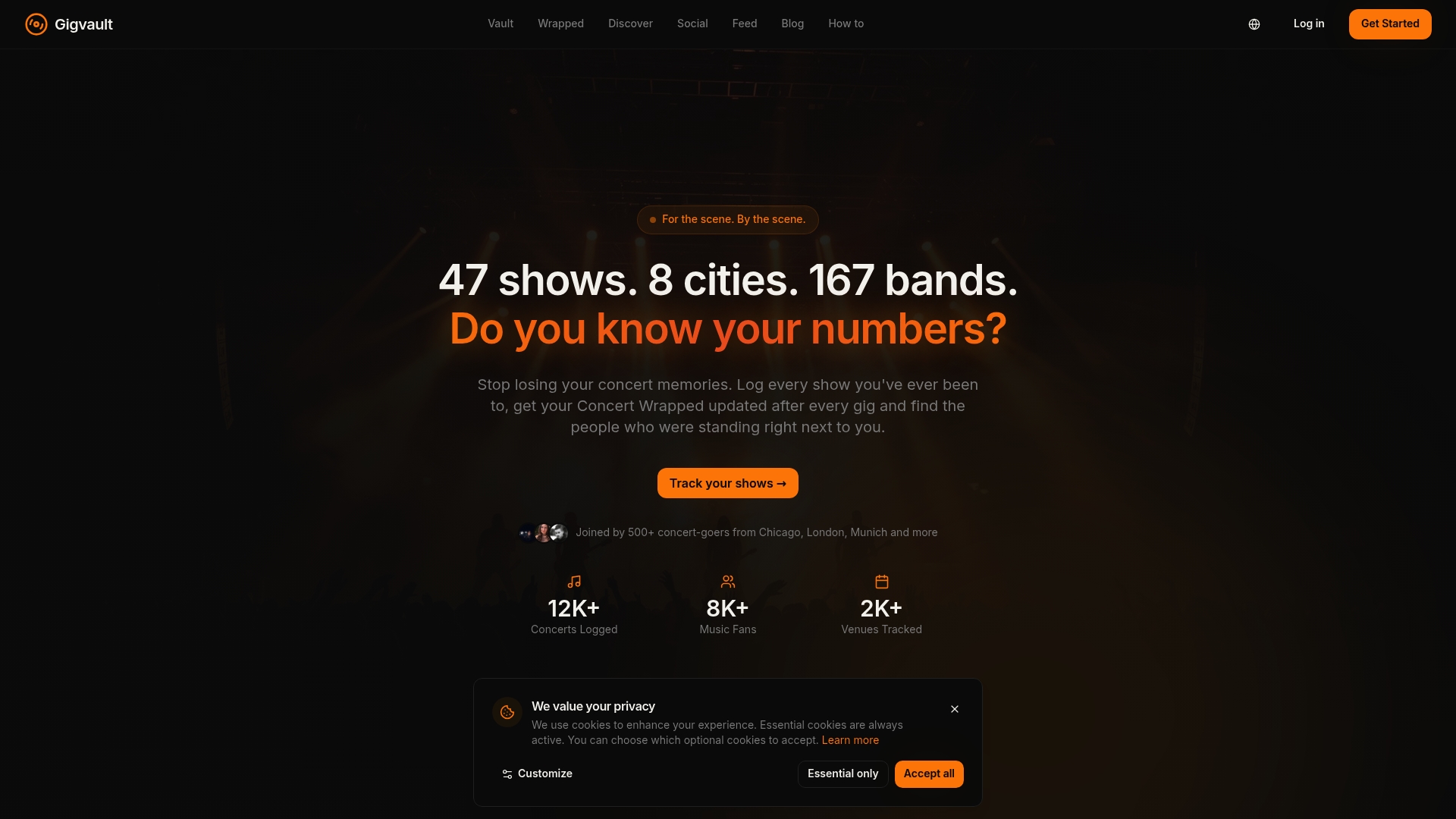
With Gigvault features like AI-generated Music Identity, a built-in setlist tracker, and Concert Wrapped recaps, you get everything in one place. No algorithms, no noise, just your music story told your way. Start building your archive at Gigvault and turn every future show into a memory that actually lasts.
Frequently asked questions
What is a concert experience recap?
A concert experience recap is a record of the shows you've attended, logging details such as setlist, venue, date, personal highlights, and stats about your music journey. Dedicated concert-goers use apps like Setlist.fm, Gigvault, and Concert Archives to build these records over time.
How do apps verify my attendance at a concert?
Some platforms use GPS check-ins at venues, while others let you manually mark shows as attended or upload ticket stubs and photos. GPS-verified check-ins and manual entries are both common and widely supported.
What statistics can I track with concert recap apps?
You can track total concerts attended, top artists, favorite venues, festivals, rare songs heard live, and personalized year-end recaps. Personal statistics like song frequency and artist counts are standard on most major platforms.
Why log concerts right after the show?
Logging immediately after a concert captures accurate details while the experience is still vivid in your mind. Experts recommend post-show notes to prevent memory fade and ensure your recap reflects what actually happened.
Can I connect with other fans through these platforms?
Yes, many apps let you follow friends, share recaps, find show buddies, and compare stats. Primary platforms enable connection via shared concert histories, buddy tracking, and mutual discovery features.